We’re excited to introduce Remote MCP Server Connectivity—a major enhancement that enables you to seamlessly connect one or more third-party MCP servers to your Vendia workspace through the Vendia MCP Gateway. This release expands your AI applications’ capabilities by allowing them to access tools and data across multiple remote services with minimal configuration, all while providing a single pane of glass to govern and observe all Agentic activity.
The MCP Gateway allows you to integrate both pre-configured and custom external MCP servers directly into your Vendia workspace. Once connected, these servers become available to your AI applications—no additional setup required.
Key Capabilities
Pre-Configured Integrations
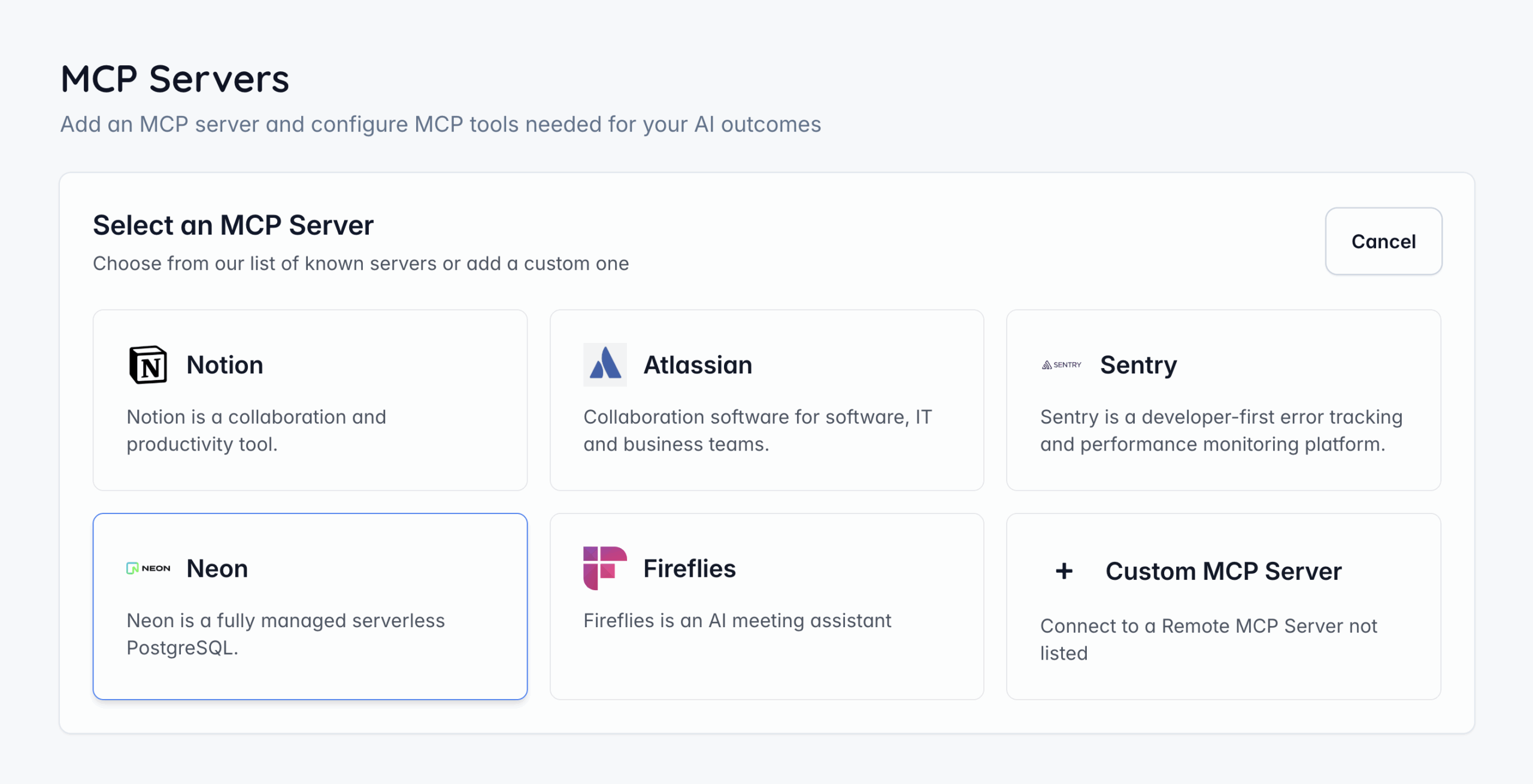
The MCP Gateway provides ready-to-use connectors for popular platforms to streamline connectivity. Vendia has certified the following MCP servers:
Custom MCP Server Support
For teams using unlisted or internal MCP servers, you can now manually configure:
This adds full flexibility for enterprise workflows and bespoke systems. The MCP Gateway supports multiple authentication options depending on the server’s requirements. For OAuth-enabled services users can authenticate via:
Fine-Grained Tool Management
After a server is authorized, you can now:
This gives administrators full control over which capabilities are exposed to AI applications.
Remote MCP Server integration is available in the Free, Pro and Enterprise tiers. Please send requests for additional MCP server certifications to [email protected]. For more information visit docs.vendia.com
The MCP Gateway allows you to integrate both pre-configured and custom external MCP servers directly into your Vendia workspace. Once connected, these servers become available to your AI applications—no additional setup required.
Key Capabilities
- Add various remote MCP servers to any Vendia workspace
- Choose from Vendia-certified pre-configured integrations or connect your own custom server
- Supports multiple authentication methods, including full OAuth flows
- Ability to configure which MCP tools can be accessed by AI agents
- Trace Agentic activity across systems and tool usage via receipts dashboard
Pre-Configured Integrations
The MCP Gateway provides ready-to-use connectors for popular platforms to streamline connectivity. Vendia has certified the following MCP servers:
- Notion
- Atlassian
- Sentry
- Neon
- Fireflies
- GitHub
Custom MCP Server Support
For teams using unlisted or internal MCP servers, you can now manually configure:
- MCP server URL
- Authentication method
- Tool selection
This adds full flexibility for enterprise workflows and bespoke systems. The MCP Gateway supports multiple authentication options depending on the server’s requirements. For OAuth-enabled services users can authenticate via:
- Secure popup-based OAuth flow
- Automatic permission handling
- Seamless return to the MCP Gateway upon success
Fine-Grained Tool Management
After a server is authorized, you can now:
- View all tools and descriptions exposed by the server
- Enable/disable all tools or individual ones
- Confirm tool activation before finalizing the connection
This gives administrators full control over which capabilities are exposed to AI applications.
Remote MCP Server integration is available in the Free, Pro and Enterprise tiers. Please send requests for additional MCP server certifications to [email protected]. For more information visit docs.vendia.com